

My summary of Paperclip before using it – Before trying Paperclip, I had a rough idea of what to expect: an agentic platform for business tasks, probably something like a smarter to-do list with AI running the items. I was partially right, but the reality is more interesting than that.
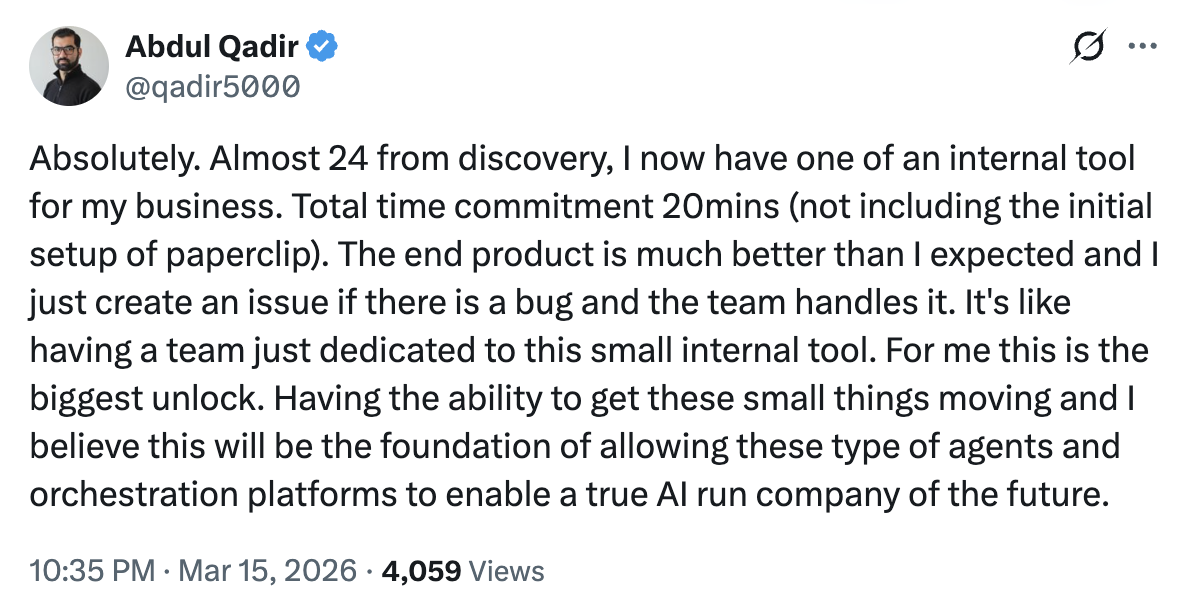
How does Paperclip explain itself in the first minute? Reading Paperclip’s documentation, the core product concept becomes clearer. You create a company, complete with a team of agents, a budget, and a task board. Paperclip is LLM-agnostic, meaning you bring your own agents and choose which model powers each one: Claude, Codex, Gemini, or whatever fits the role. You might for example run your CEO on Claude Opus 4, given its stronger reasoning capabilities, while your CTO runs on Codex for its agentic coding strengths.
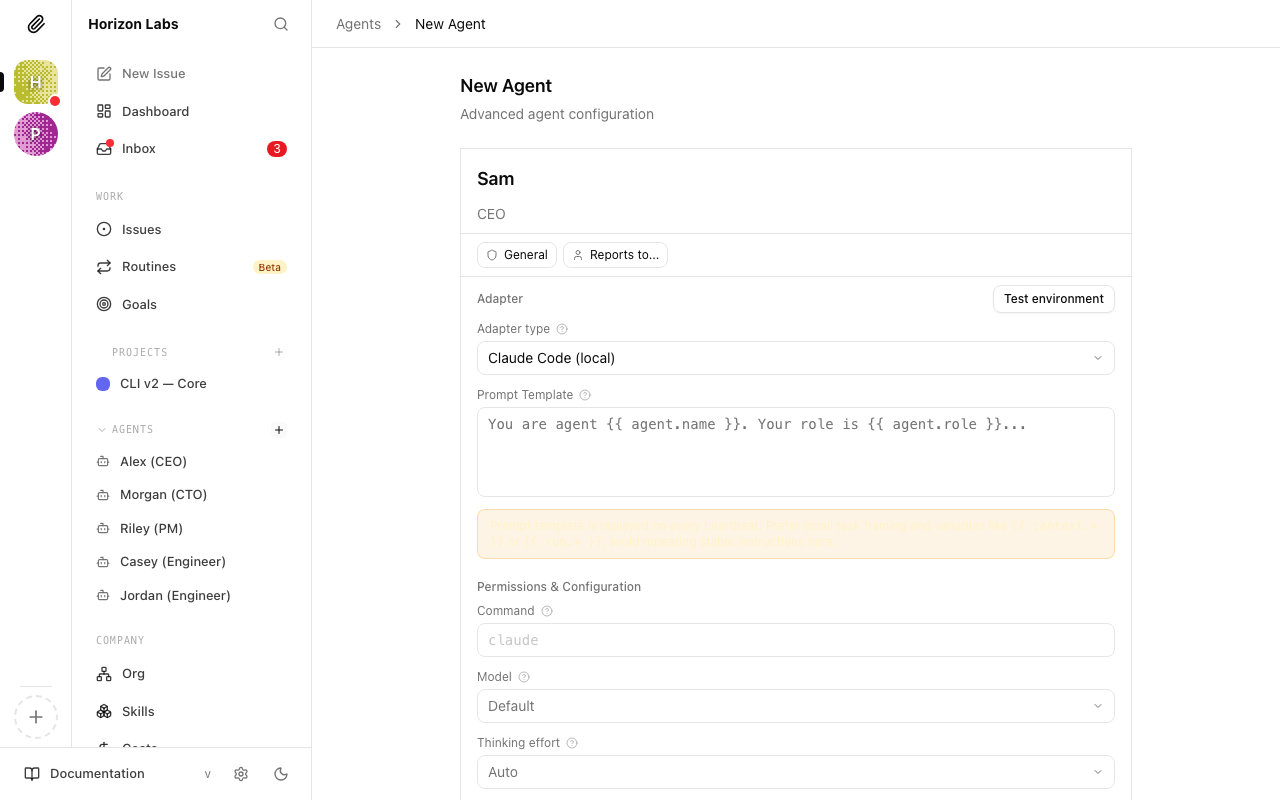
How does Paperclip work? Paperclip itself is the management layer sitting above those agents. Each agent has its own model, budget, skills, and instructions. You’re responsible for making sure individual agents are set up to work well; Paperclip orchestrates how they collaborate on tasks (called “issues”), but it won’t fix a poorly configured agent on your behalf.
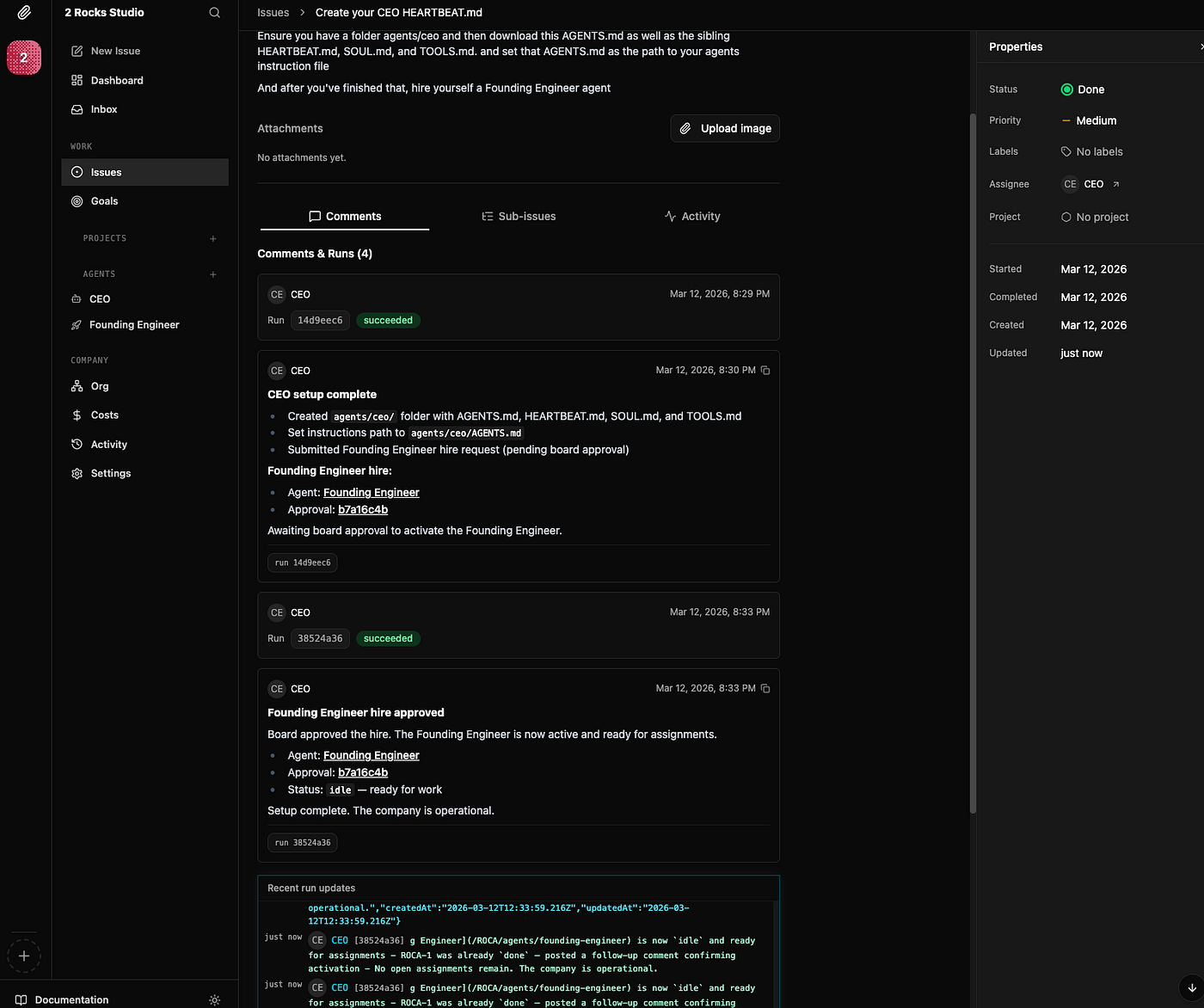
The CEO agent is the first agent that gets hired, and the CEO will hire subsequent agents but not without your approval. You can give instructions to the CEO to hire any new agents, a research analyst or a content editor, for example.
What makes Paperclip different? Like Claude Code and OpenClaw, Paperclip lets you assign skills to agents and give them specific instructions. You can also set “routines” to schedule recurring tasks on a cron or webhook trigger.
What sets Paperclip apart, though, is its open-source, org-chart-driven approach to agent management. You sit at the top of the hierarchy with the ability to hire, fire, and override any agent decision. Every tool call, API request, and approval is logged in a full audit trail so that “nothing happens in the dark”, as the Paperclip docs put it.
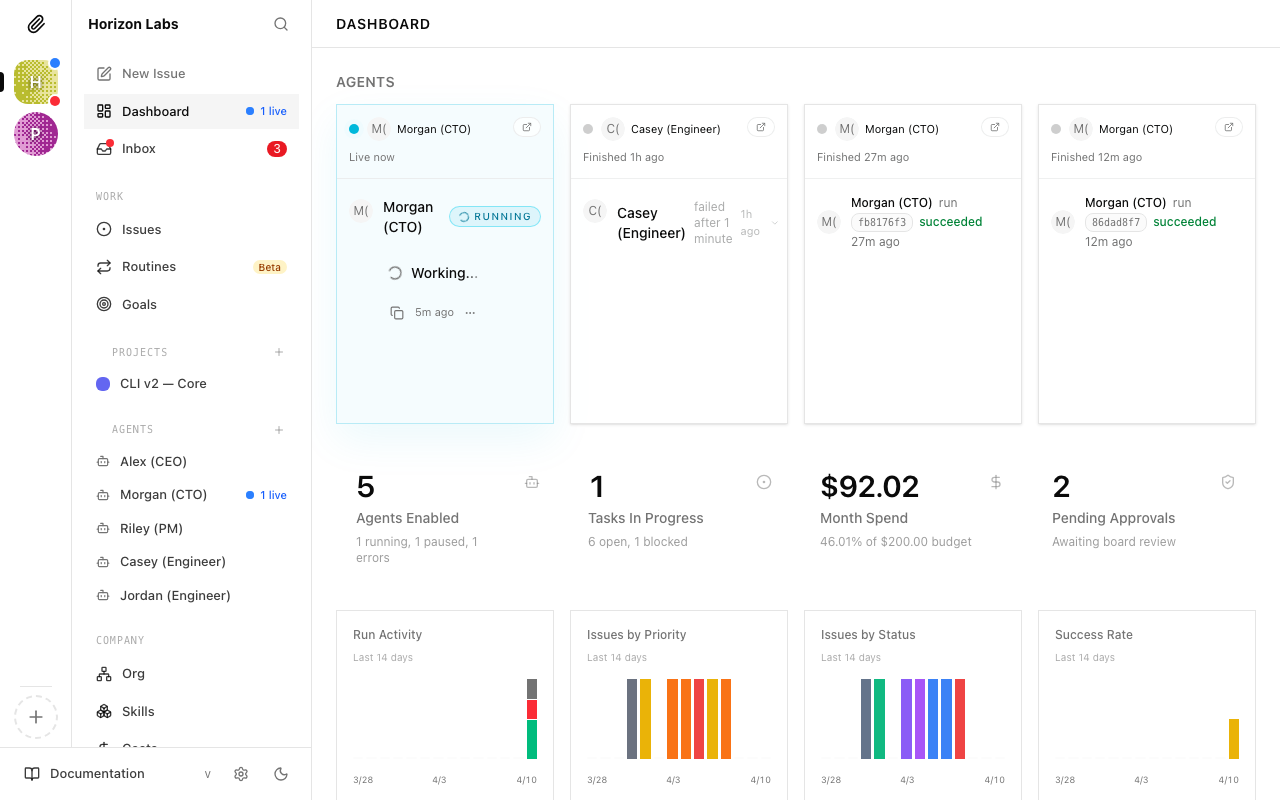
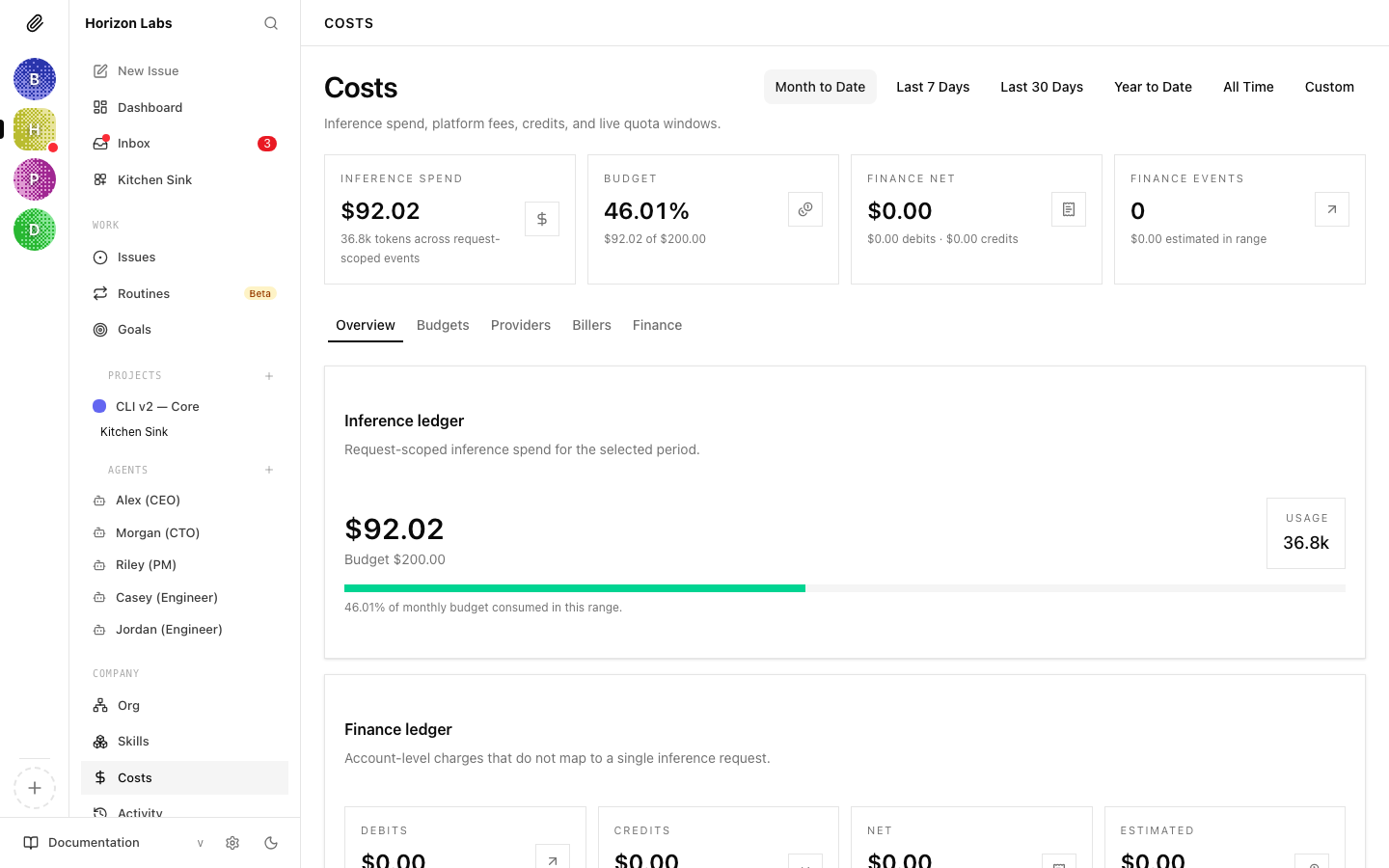
Paperclip’s built-in cost control system is another standout feature. You set monthly token budgets per agent, which means you’re not just managing what your agents do, you’re managing what they spend. As a product person, I find this genuinely powerful; it’s a way of translating product strategy directly into something resembling a P&L. You’re not just delegating tasks, you’re allocating resource.
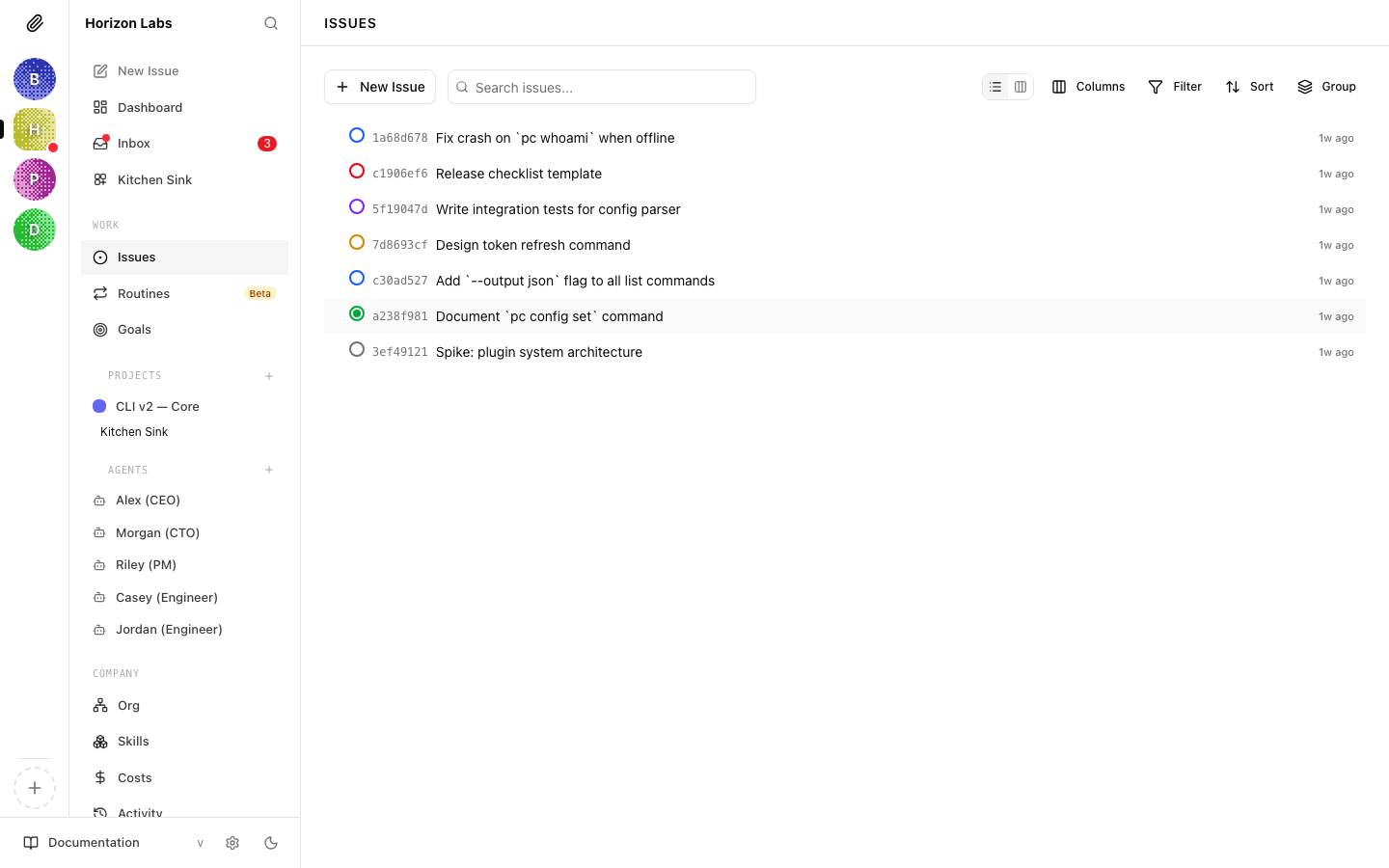
Issues: how work gets done – In Paperclip, issues are the tasks that get done by agents. Each issue is a discrete task that links back to a company goal, with a clear owner, status, and thread. The CEO agent creates issues automatically as part of its strategy – provided you approve – but you can also create them manually for anything urgent or outside the current strategy. When an agent completes an issue, it posts its output and sets the status to “in review.” You approve or push it back.
What to watch out for – The biggest practical limitation is that Paperclip stops running when you close your laptop. For anything you want running continuously, you’ll need to either hook your machine up to a Mac Mini or set up a Virtual Private Server – Hostinger or Hetzner are both solid options for this.
It’s also worth noting that Paperclip amplifies the quality of your thinking, for better or worse. Vague agent descriptions produce vague agentic output. If you want consistently good output, you need to treat every task assignment like a proper project brief: goal, audience, format, and definition of done. In a multi-agent system, a poorly written brief doesn’t just produce one mediocre output; it can compromise an entire workflow.
Main learning point: Paperclip is less an AI tool and more an operating system for running an AI-powered company. It shifts your mental model from “prompting” to “managing,” with org charts, budgets, and workflow audit trails baked in. For product managers already comfortable thinking in systems, Paperclip and similar products could prove a natural fit.
Related links for further learning:

