My summary of Grok Bot before looking into it – the first offspring of the Cursor and SpaceX/xAI tie-up. Expect an agentic platform similar to OpenClaw and Google Hermes.
How does Grok Bot explain itself in the first minute? “AI teammates you can give real work to. Bots can sign into your tools, use them just like you do, and come back with finished work.” Grok Bot launched in early beta earlier this week.
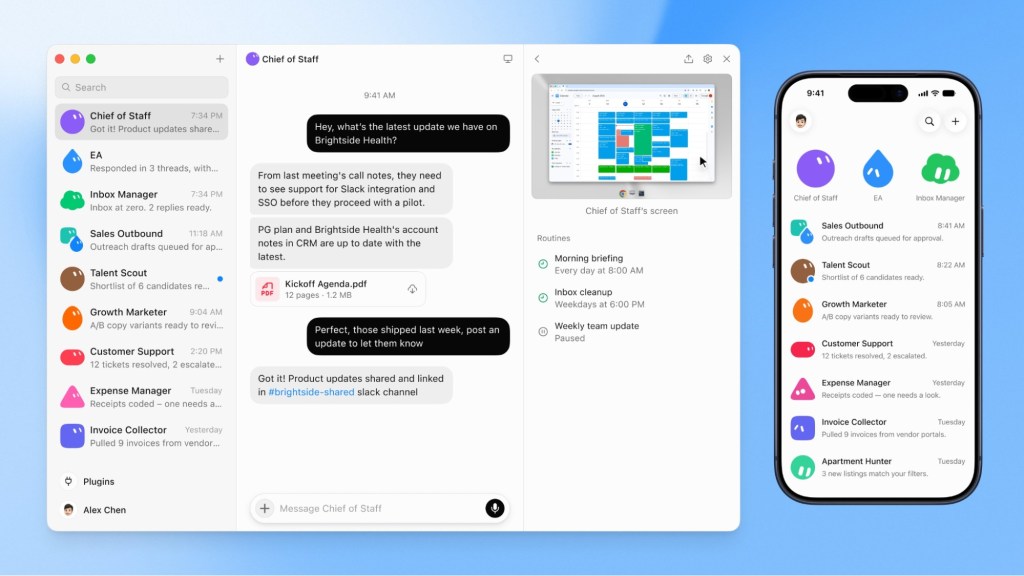
How does Grok Bot work? How does Grok Bot work? Grok Bot is a credential-holding agent, meaning it signs into your apps and accounts directly rather than through sandboxed APIs. If a tool has a login screen, the bot can sign in and use it. It’s designed to make it as easy as possible for regular users to create an agent, or a team of agents, simply by messaging your bot or starting a group chat with multiple bots.
All your bots share one cloud computer, and that computer is tied to your account rather than to any specific bot. This means bots can share files, browser sessions and app logins. Each bot gets its own screen on this computer, so they can use browser and desktop tools in parallel without separate security boundaries.
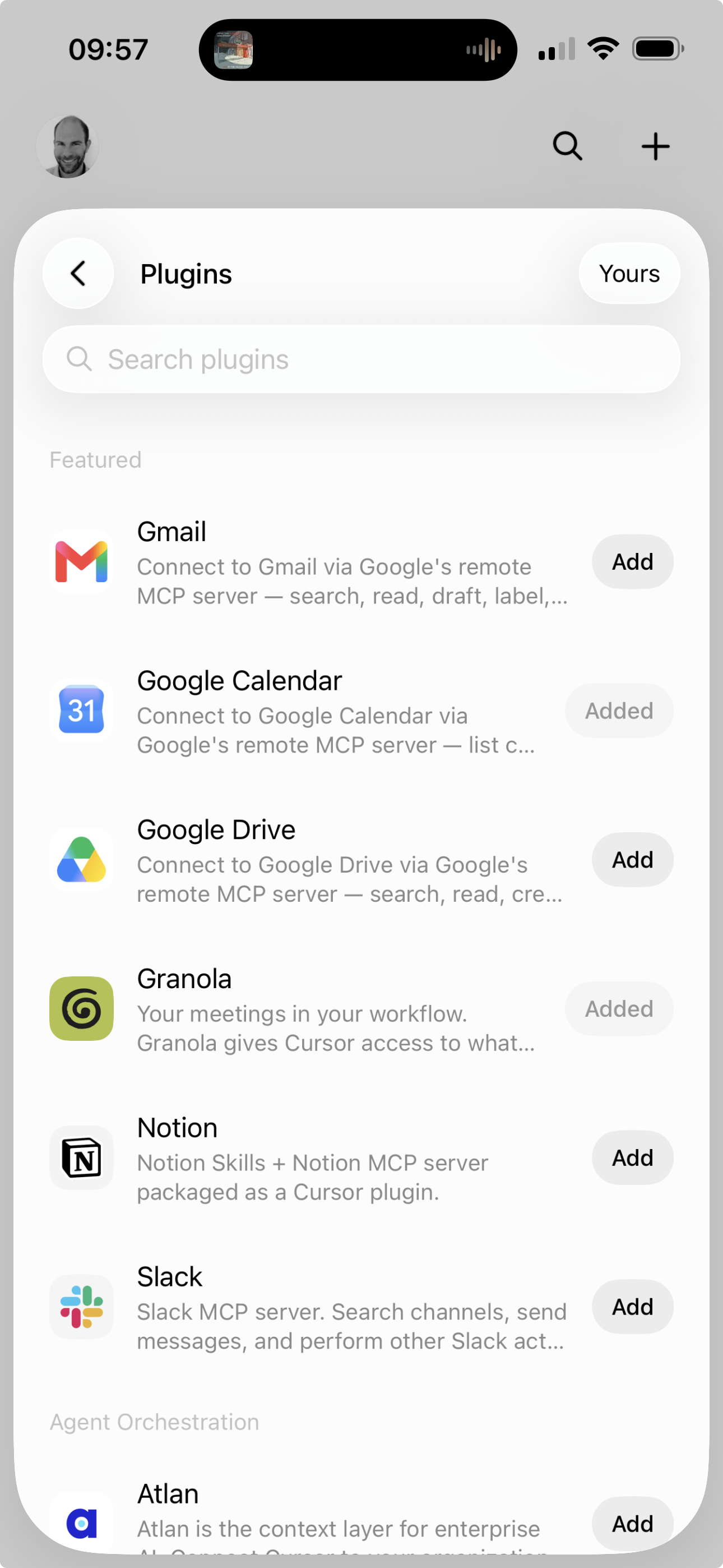
I downloaded the Grok Bot app on my phone and started setting up. As part of onboarding, it asks which tools I use every day (LinkedIn, Slack, GitHub, Quickbooks, etc.).
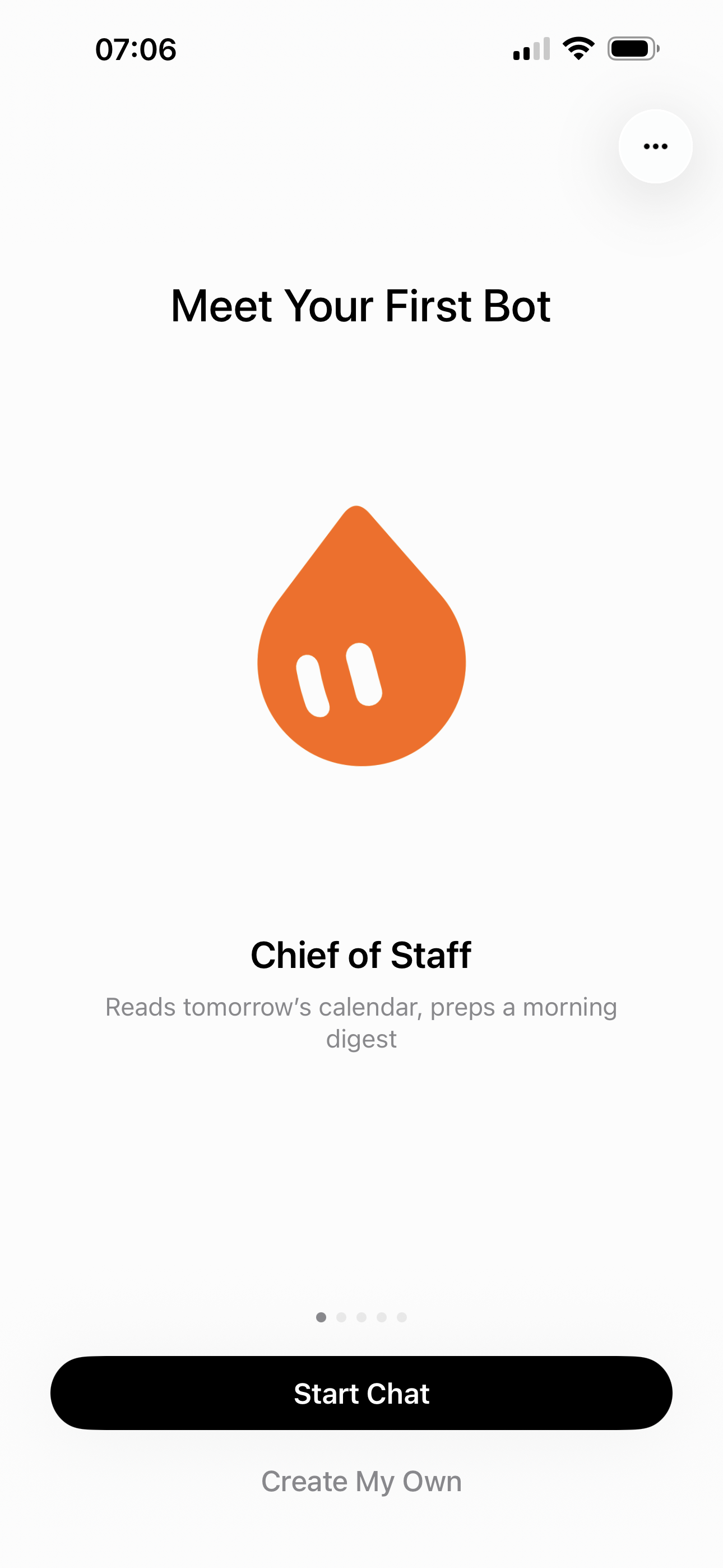
Then I got to interact with my first bot: my Chief of Staff.
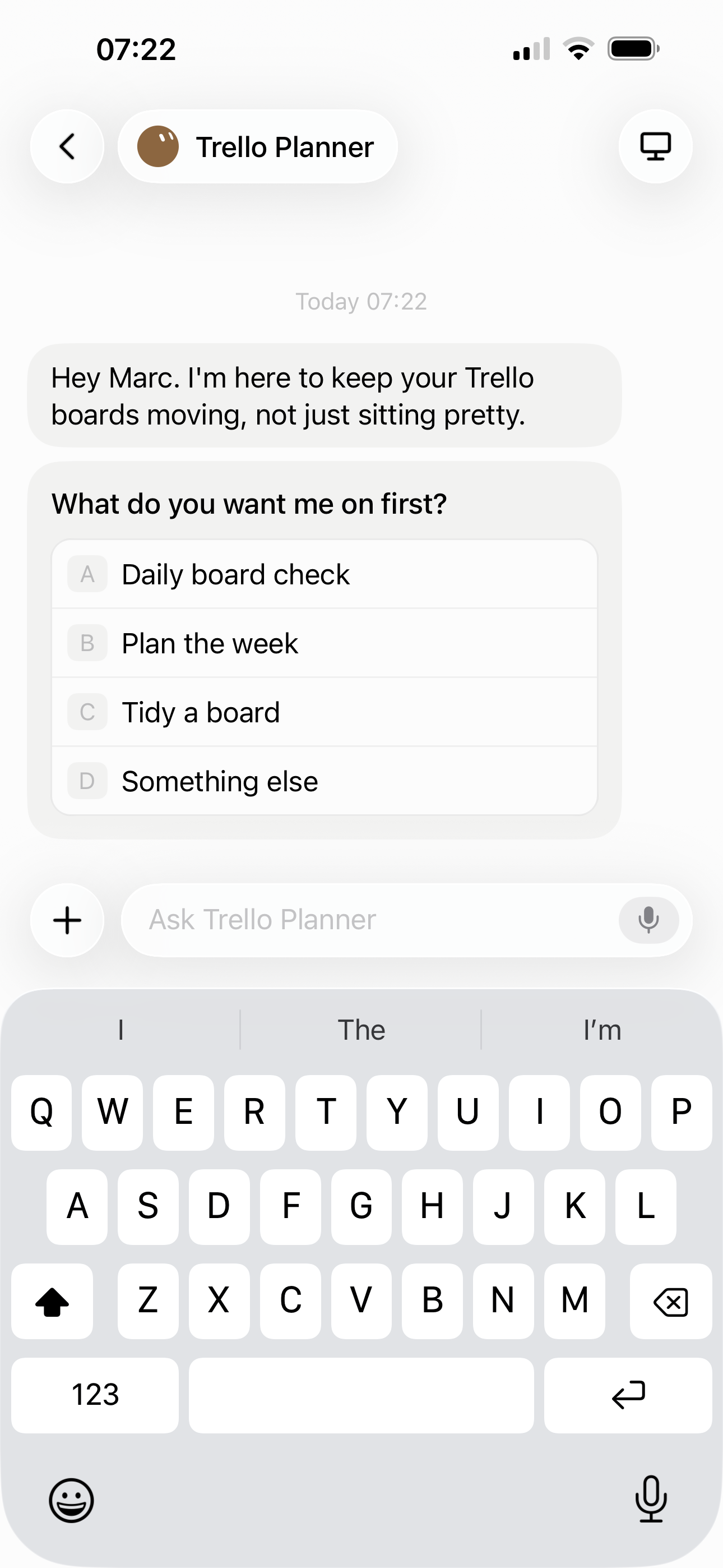
Adding a new bot is easy. You can think of your bots as doing a specific role (Researcher, Coordinator) or link them to a particular tool, so the bot already has a good sense of what to do without much further instruction. For example, when I create a “Trello Planner” bot, it starts by suggesting relevant things I might want it to do for me.
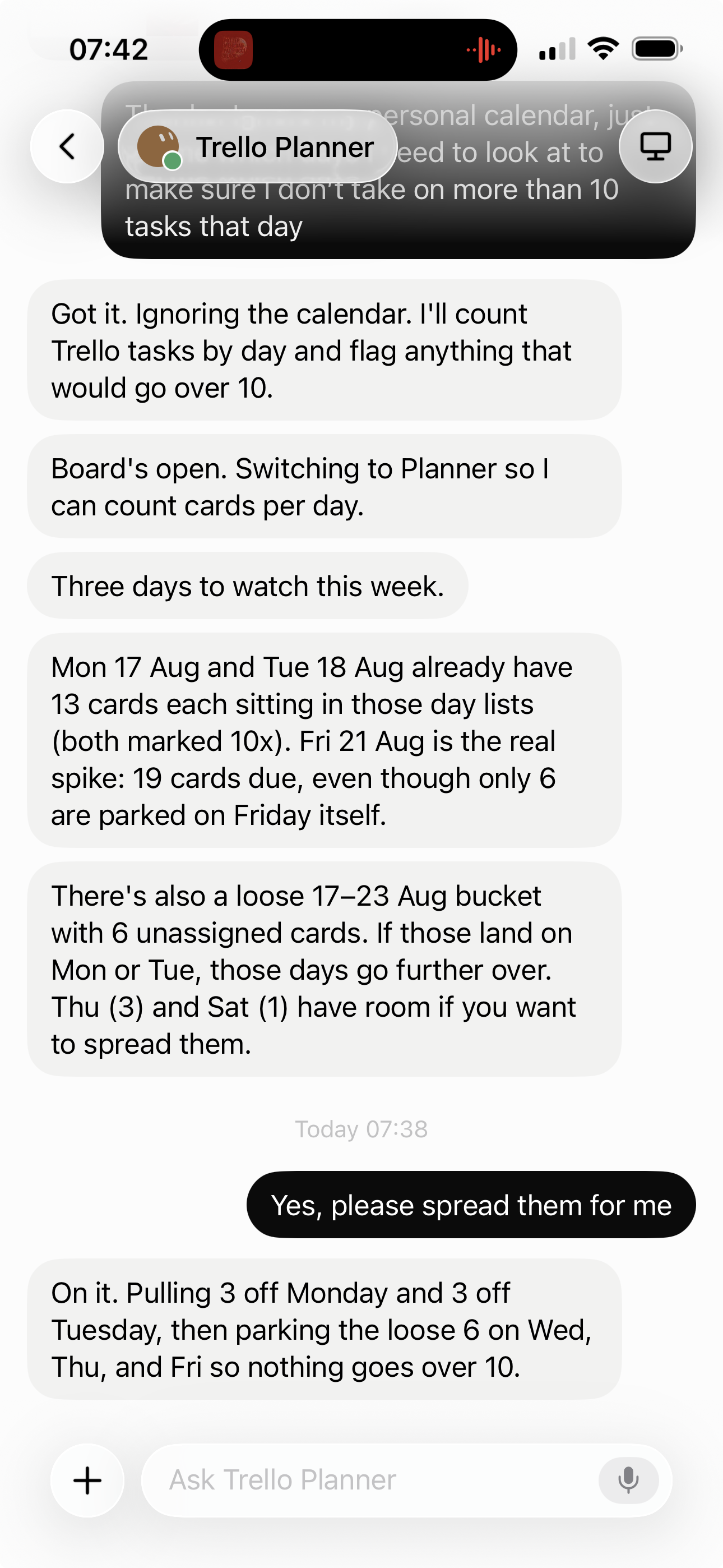
I use two-factor authentication to give Grok Bot access to Trello, after which I ask my Trello Planner bot to check my daily plans and suggest things to reprioritise or move to another day.
I’ll admit that moment gave me pause. I’m handing over real credentials to a bot that lives on a computer I don’t control, shared with every other bot I create. If one of my bots gets compromised or simply goes rogue on a task, does that risk bleed into everything else sitting on that same machine? xAI’s own material calls the shared computer “a real blast radius,” which isn’t exactly reassuring language to use about your own product. I don’t have a firm answer yet on how comfortable I am with that trade-off. For a Trello planner, fine. For anything touching finances or client data, I’d want to understand the isolation model a lot better before I trusted it.
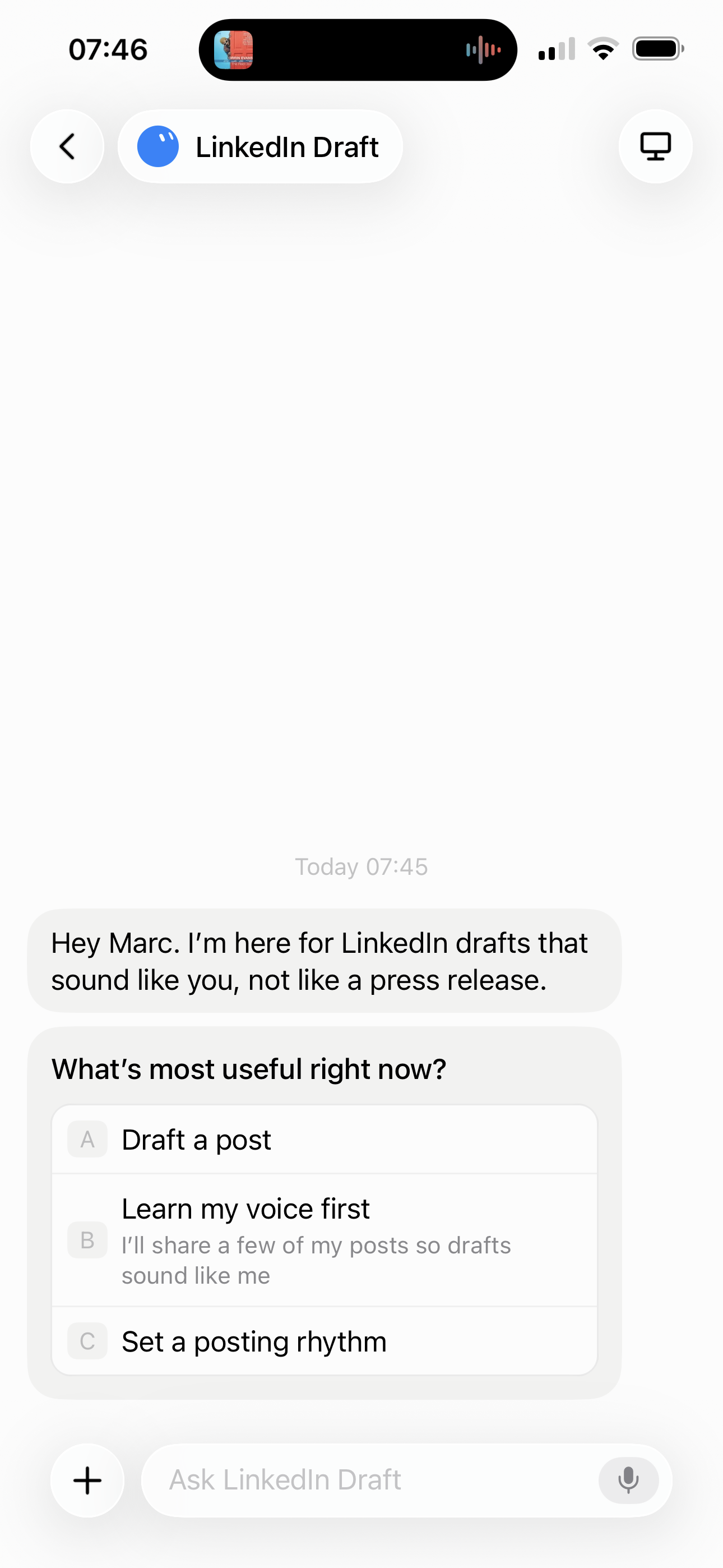
Or when I create a “LinkedIn Draft” bot, it asks me what I want to do first:
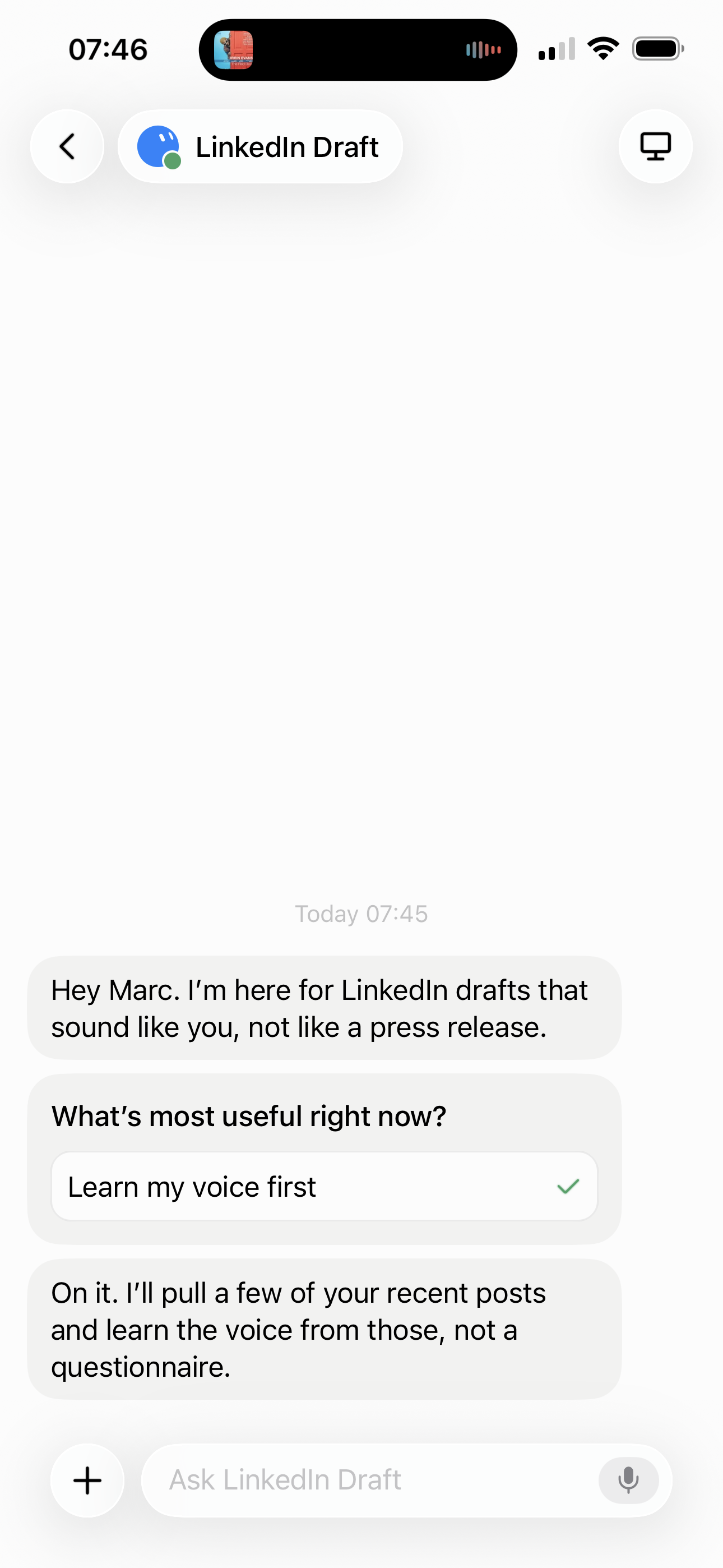
I personally find it easier to use voice to interact with my bot, giving it quick instructions or answering its questions. Grok Bot is available on web and mobile, and I prefer the mobile version, partly because of the built-in voice capability.
Those examples are both one-bot conversations, but I can also start a group chat to get my different bots working together. I even asked my Chief of Staff bot which additional bots I should create for my optimal bot team 🙂
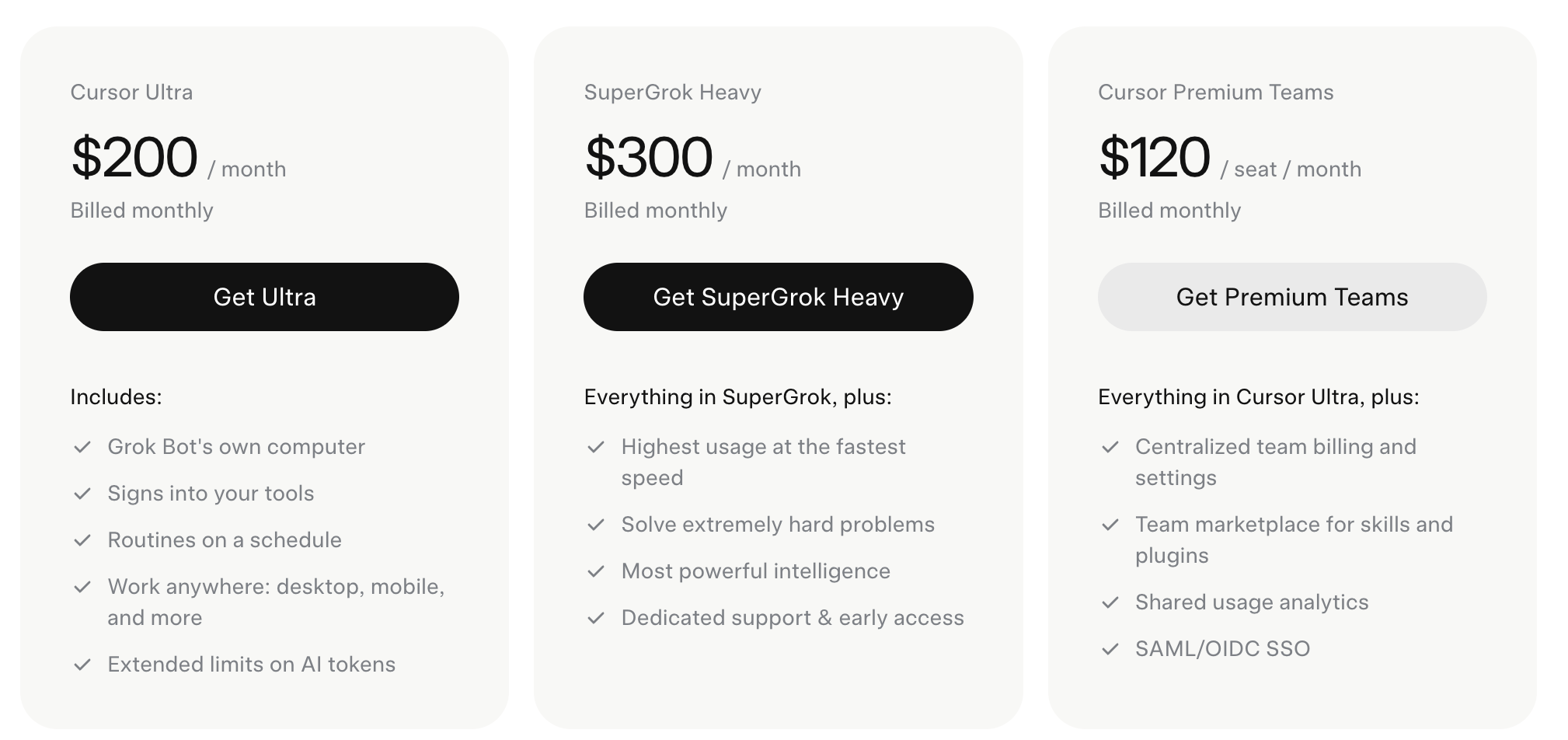
Before I wrap up, it’s worth noting that Grok Bot won’t come cheap. You get access through Cursor Ultra at $200 a month, Cursor Teams Premium at $120 a seat, or SuperGrok Heavy at $300 a month. My hope is that the product becomes cheaper and more accessible over time, with xAI adding lower-cost tiers to drive mainstream adoption.
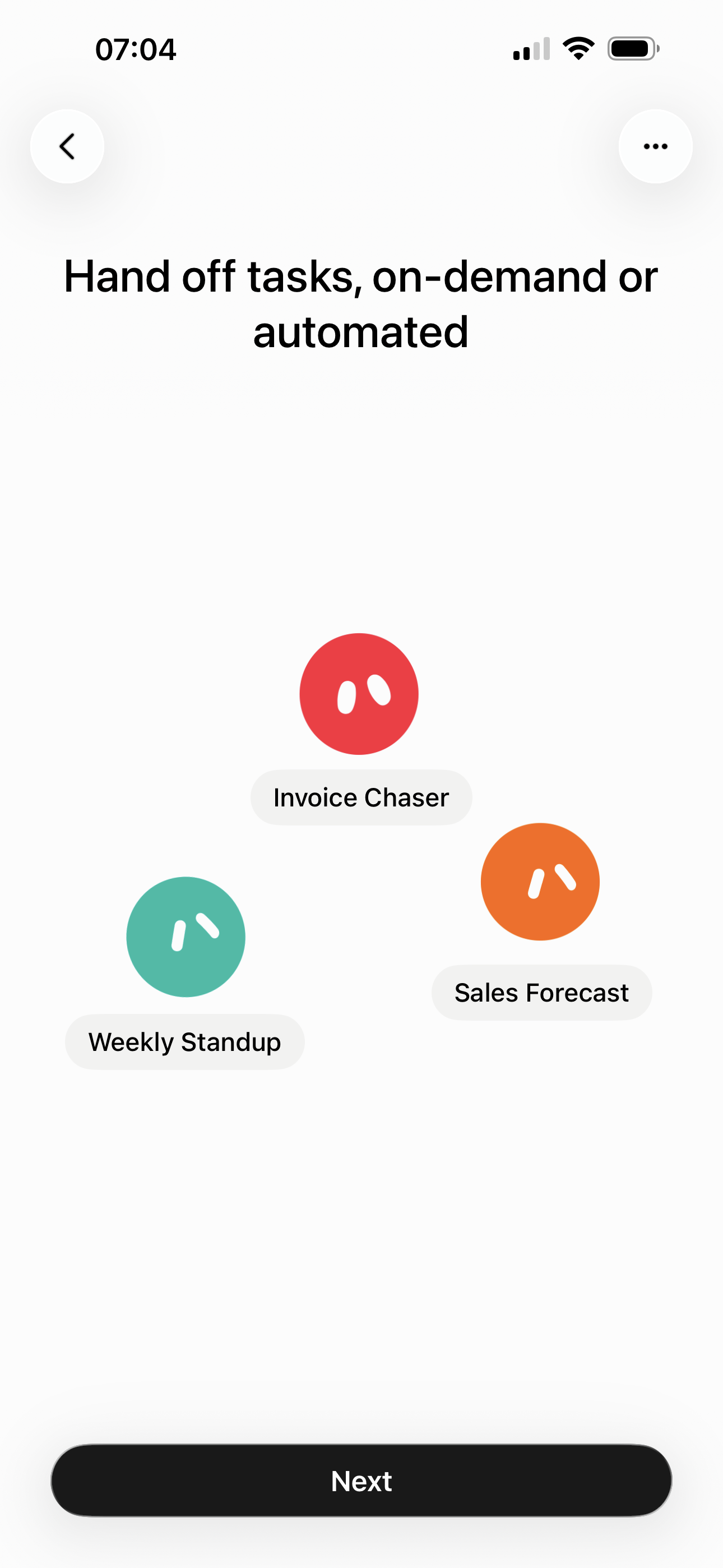
The whole approach behind Grok Bot centres on teammates: spinning up different bots for different roles (Researcher, Chief of Staff, Coordinator) so they can work together. Like Claude Cowork, Grok Bot has skills and routines to automate and schedule certain tasks.
The contrast with Claude Cowork is useful here. Cowork is closer to routines and task workflows. Grok Bot is teammates: different bots for different roles, working together on a shared computer.
Main learning point: Grok Bot’s aim is to make creating and managing agents much easier and more mainstream, especially for regular users. You don’t start with a workflow or a prompt library, you add a bot, give it a role or a tool, and it already has a sense of its job. If that sticks, the hard part isn’t “can I build an agent” any more, it’s simply knowing what you want your bots to do and how you want them to work together, and how much of your digital life you’re willing to hand over to make that happen.
Related links for further learning:
- https://docs.x.ai/grok-bot/chat-and-collaboration
- https://docs.x.ai/grok-bot/overview
- https://x.ai/bot
- https://dev.to/debs_obrien/how-to-get-started-with-grok-bot-4f5n
- https://natesnewsletter.substack.com/p/grok-bot-review
- https://memeburn.com/grok-bot-launches-as-spacexais-first-ai-agent/
- https://cursor.com/help/grok-bot/connect-plugins
- https://www.mindstudio.ai/blog/grok-bot-pricing-access


One response to “Grok Bot (Product Review)”
[…] few weeks ago I wrote about Grok Bot, sharing what I learned from using it to manage my calendar and handle tasks. Since then, personal […]