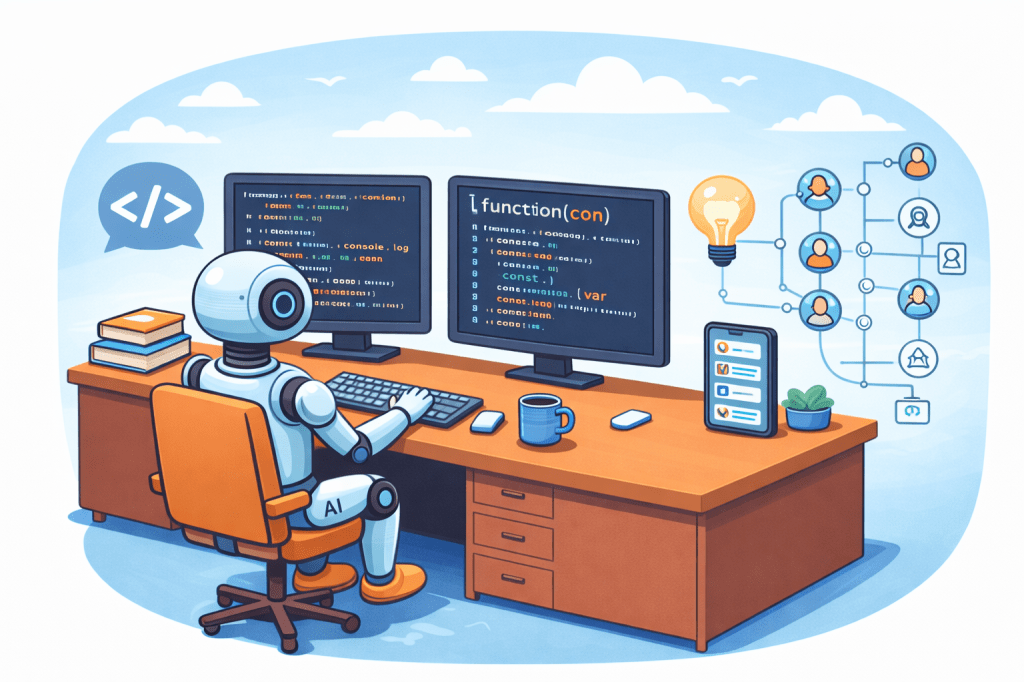
Most of the prompts we write are done manually — you type something into ChatGPT or Claude and wait for a response. But there’s a whole other world of prompting happening behind the scenes, where developers write code that assembles and fires off prompts automatically, thus reducing the manual effort in prompt creation and tuning. This is what’s known as automated prompting, and I’m keen to learn about how this works.
When a developer builds an AI-powered product, their software sends an HTTP request to the AI provider’s API endpoint (for example, Anthropic’s API). That request contains the prompt packaged as JSON, along with authentication credentials and settings like which model to use and the maximum response length. The AI processes the prompt on its servers and sends the response back as another JSON message — all typically happening in seconds.
Prompting as programming
Automated prompting (or “Prompting as Programming”) treats prompt engineering as a software development process, using code and algorithms to generate and refine prompts for LLMs rather than relying on manual input. Frameworks like DSPy take this further, treating prompts as programmable modules that can be automatically optimised.
DSPy is a Python library that generates and refines the examples and explanations that make up a prompt, removing much of the manual effort involved in prompt tuning. The key aspects of this approach are:
- Prompt engineering as code — Prompts are structured as reusable, modular components that can be dynamically updated, similar to functions or classes in software development.
- Automatic prompt optimisation (APO) — Techniques like DSPy, Instruction Induction, and Self-Instruct evaluate and improve prompt quality without human intervention.
- Dynamic prompt generation — Prompts are generated in real-time based on user input, context, or feedback.
- Optimisation techniques: Automated systems use machine learning techniques like gradient-based optimisation, evolutionary heuristics, or feedback loops to find the best prompt phrasing.
- Workflow integration — Automated prompt tools plug directly into development workflows, enabling teams to build robust, AI-driven applications at scale.
What’s inside an automated prompt?
A typical automated prompt is less a single message and more a structured package of context, instructions, and data. It usually has several layers:
- System prompt — Instructions baked in by the developer that shape how the AI behaves. Something like: “You are a helpful customer support agent for Bank X. Always be polite. Never discuss competitor products.” The end user never sees this.
- Conversation history — To give the AI memory within a session, the software automatically appends previous messages to each new request. Every time you send a message in a chatbot, the AI actually receives the entire conversation so far, not just your latest message.
- Retrieved data (RAG) — RAG addresses the problem of inaccurate or outdated responses by pulling in relevant external data. After you send a prompt, the LLM retrieves content from a reputable source — open (e.g. the internet) or closed (e.g. an internal knowledge base) — and uses it to ground its response.
To make this concrete: if you message the chatbot of Bank X asking “Why was I charged a fee?”, the software might automatically construct a prompt like: “You are a support agent for Bank X. The customer’s name is Marc and their account balance is £1,200, their last transaction was an overdue mortgage payment. Their question is: ‘Why was I charged a fee?’” — all assembled in milliseconds, without any human involvement.
Another everyday example is Gmail Smart Reply , which reads your incoming email and automatically sends it to a model with a prompt like: “Suggest 3 short reply options for this email: [email content].” The suggestions appear instantly, without you lifting a finger.
Human oversight still matters
Automated prompting is powerful, but it isn’t a set-and-forget solution. Without human oversight, automated prompts can produce inaccuracies, introduce biases, or create security vulnerabilities — because these systems often lack true contextual awareness and ethical judgment. The automation handles scale and speed; humans still need to handle nuance and accountability.
Main learning point: Automated prompting is what powers most of the AI products we use every day, from customer support bots to email assistants. Understanding how prompts are constructed programmatically — and the layers of context behind them — gives us a much sharper picture of what’s actually happening under the hood of an AI product.
Related links for further learning:
- https://medium.com/@sanjaynegi309/%EF%B8%8F-programmatic-prompting-the-next-level-of-ai-engineering-5a73d2ddc7f1
- https://medium.com/data-science/automated-prompt-engineering-the-definitive-hands-on-guide-1476c8cd3c50
- https://platform.claude.com/docs/en/build-with-claude/prompt-engineering/prompt-generator
- https://learnprompting.org/blog/the_prompt_report
- https://dev.to/holasoymalva/programming-is-becoming-prompting-2odn
- https://cameronrwolfe.substack.com/p/automatic-prompt-optimization
- https://medium.com/@lucien1999s.pro/gradient-based-optimization-996b975a135d
 As I learn ...